



FAQs for NDIS Providers - Using the NDIS MyPlace Provider Portal
The NDIS MyPlace Provider Portal is the main online system that registered NDIS providers use to manage claims, view participant funding, update registration details, and communicate with the NDIA. Understanding how to use the portal correctly is essential for running a compliant and efficient NDIS business.
Below are the most common questions providers ask about using the portal by everyday registered NDIS providers.
What is the NDIS MyPlace Provider Portal?
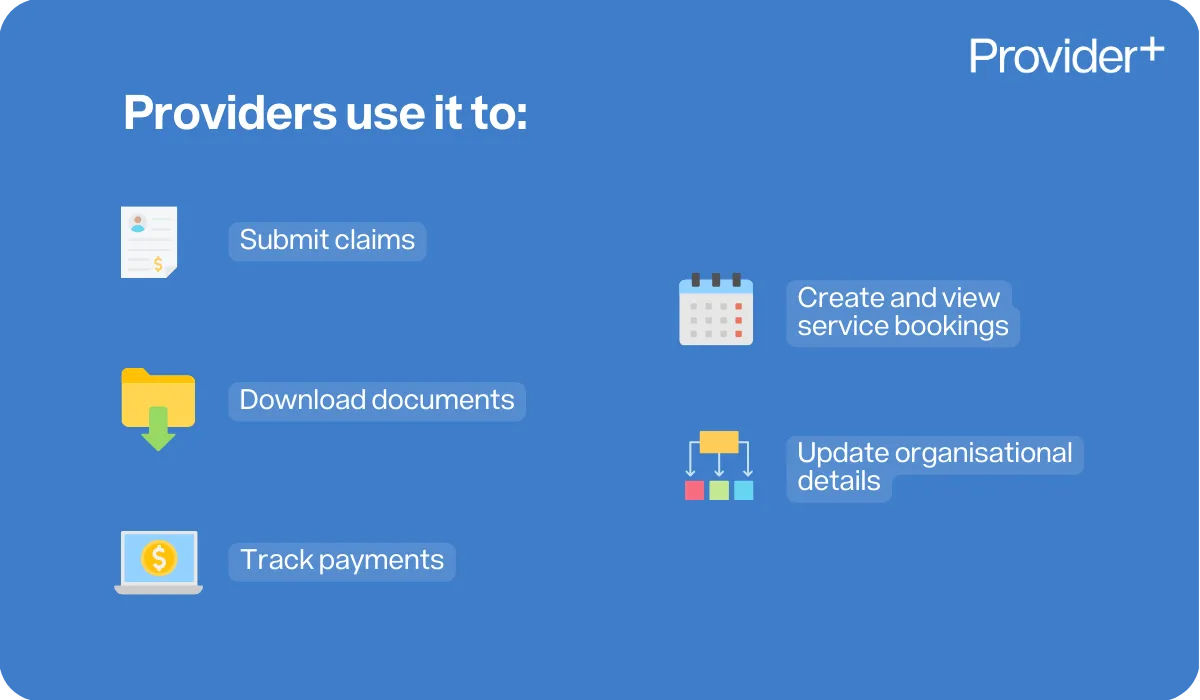
The NDIS MyPlace Provider Portal is an online platform created by the NDIA to help NDIS providers manage their services. Through the portal, providers can submit claims, view and create service bookings, update organisational details, download documents, and track payments. It is the central hub for all provider-related NDIS administration.
How do providers access the MyPlace Provider Portal?
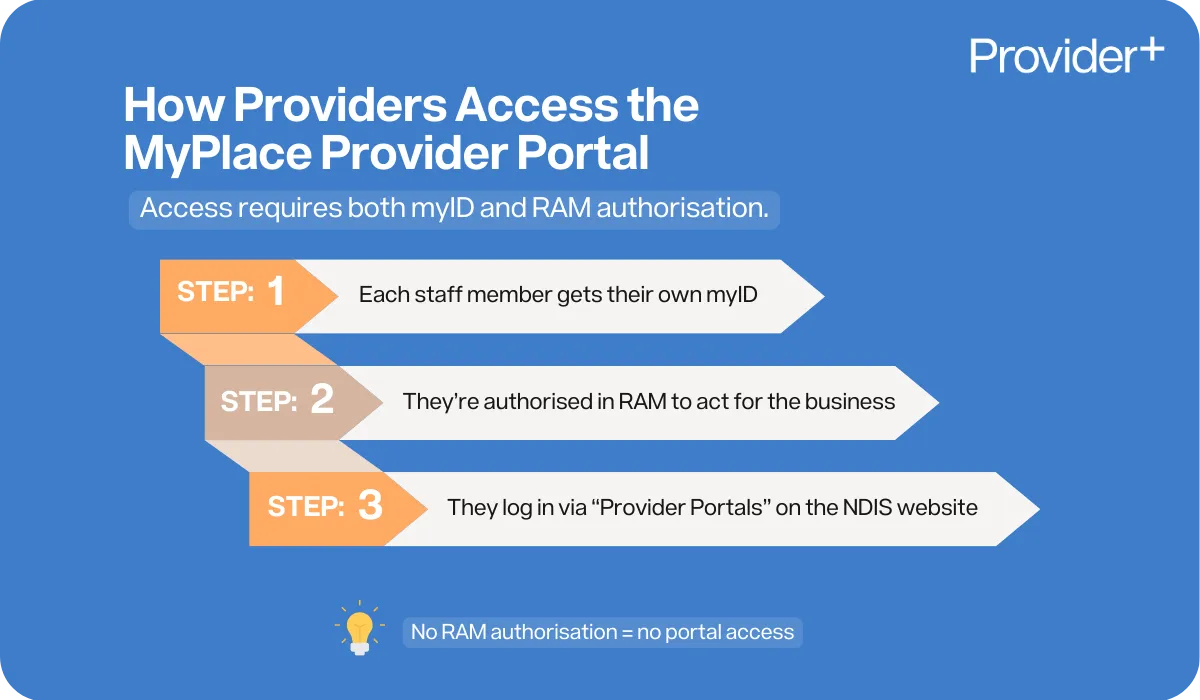
Providers access the portal using their myID and RAM. Every staff member who needs access must have their own myID and must be authorised through RAM. RAM is an authorisation service that allows workers to act on behalf of a business online when linked with your Digital ID. You can log into the “Provider Portals” from the drop down menu on the NDIS website.
myID and RAM step-by-step guide
Who should have access to the portal within a provider organisation?
Access should only be granted to staff members who require it to perform their duties, such as:
- Finance and billing staff
- Support coordinators
- HR or Compliance officers
- Senior management
Access levels can be customised to ensure staff only see information relevant to their role.
What can providers do inside the MyPlace Provider Portal?
The portal allows providers to perform a range of essential tasks, including:
- Viewing participant service bookings and budgets
- Submitting payment requests
- Viewing payment history and remittance advice
- Managing provider registration details
- Updating contact information
- Uploading documents for requests
- Tracking correspondence from the NDIA
- Viewing active and historical plans (depending on consent)
The portal is designed to help providers manage all administrative aspects of NDIS service delivery.
What information can providers see about participants?
Providers can only access information that relates specifically to the services they deliver and only when the participant has given consent. This typically includes:
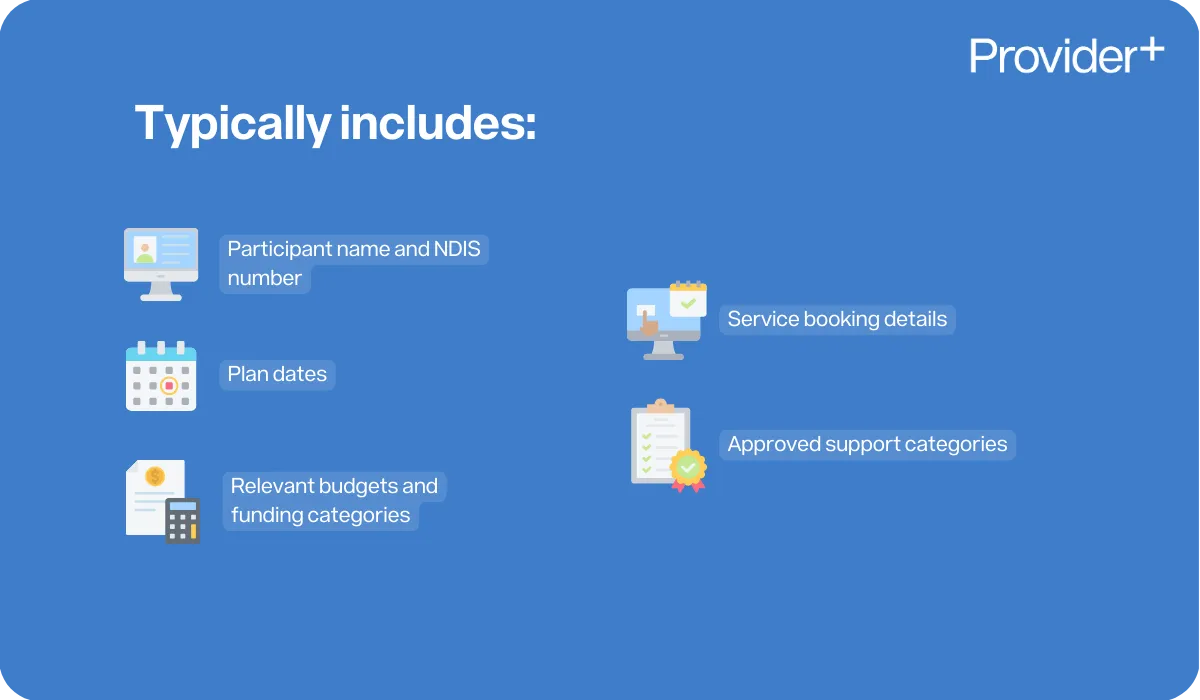
- Participant name and NDIS number
- Plan dates
- Relevant budgets and funding categories
- Service booking details
- Approved support categories
How do providers submit claims for payment?
Providers submit claims using the Payment Request function within the portal. To complete a payment request, providers must enter:
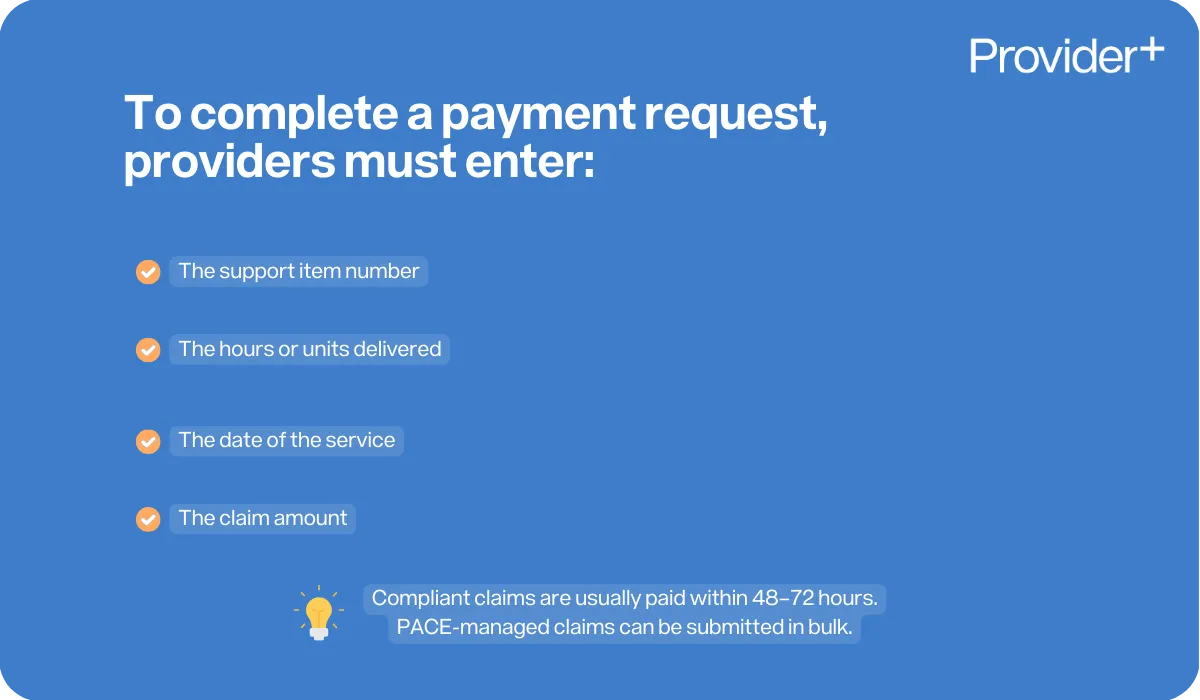
- The support item number
- The hours or units delivered
- The date of the service
- The claim amount
Claims that comply with the NDIS Pricing Arrangements are typically paid within 48 to 72 hours.
Alternatively, for participants that are PACE managed, bulk payment requests are put forward for payment requests.
What happens if a payment request is rejected?
If a claim is rejected, the provider will receive an error code within the portal. Common reasons include:
- The participant’s budget is insufficient
- The support item is incorrect
- The service date is outside the plan period
- There is a duplicate claim
- No service agreement is in place
- The provider is not registered for that support category
Providers must review the error code, correct the issue, and resubmit the claim.
Can providers see participant plans in the portal?
Under the new PACE system, providers may only access participant plan details if the participant gives explicit consent. Without consent, providers can only view limited information needed to deliver funded support.
How do service bookings work in the portal?
Service bookings allow a provider to reserve funding from a participant’s plan for a certain funding period. They outline:
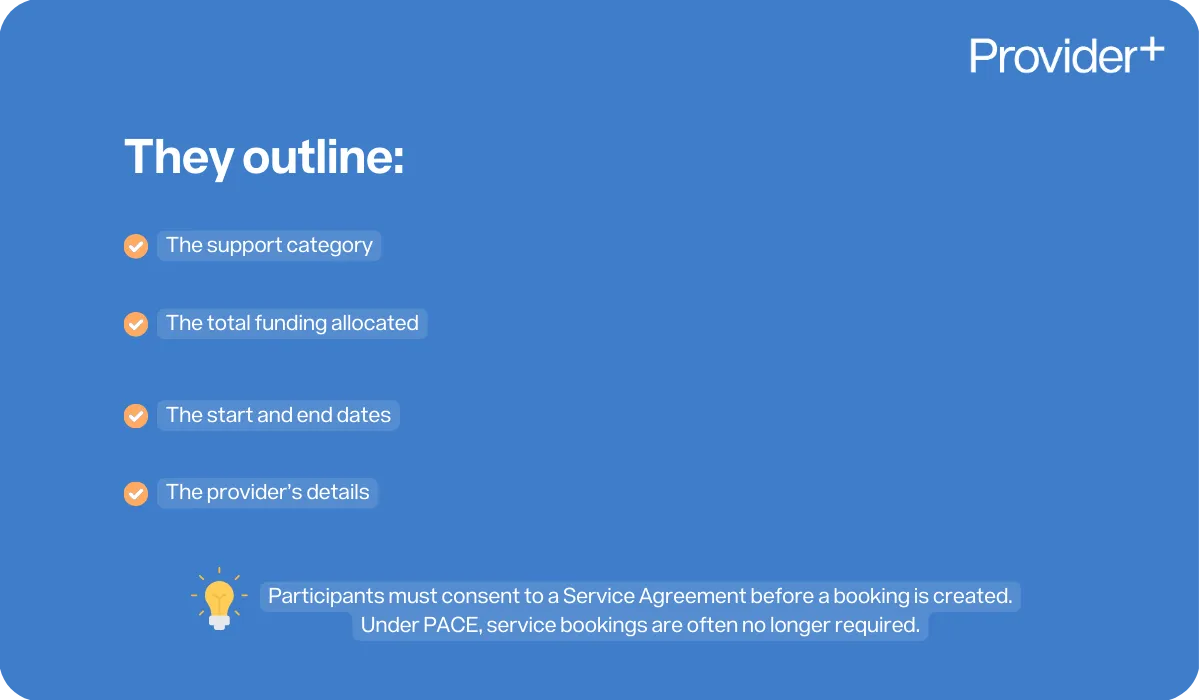
- The support category
- The total funding allocated
- The start and end dates
- The provider’s details
Participants must consent to a Service Agreement with the provider, prior to the provider generating a service booking. Under PACE, in many cases, service bookings are no longer required.
Is the MyPlace Provider Portal changing because of PACE?
Yes, slightly. PACE introduces a new plan structure, support types, and aligned processes.
While the portal still functions the same way, you may notice:
- Fewer line items
- New support type groupings
- Changes to participant visibility
- New reporting and upload functions
What should providers do if the portal is down?
If the portal is experiencing outages, providers should:
- Check the NDIS website or provider alerts
- Keep accurate internal records so claims can be uploaded once the system is restored
- Retry at a later time. The NDIA typically resolves outages quickly and posts update notices.
How can providers keep their portal information secure?
Providers must implement strong privacy and cybersecurity practices, including:
- Ensuring all workers use their own PRODA login
- Never sharing passwords
- Removing access for staff who leave the organisation
- Using secure computers and networks
- Logging out after every session
These actions help protect participant information and provider compliance.
What training is available for using the portal?
Providers can access training through:
- The NDIS website
- Utilising the step-by-step user guides
- Accessing webinars and eLearning modules
- Conducting internal organisational training
Where are the user guides found regarding how to use the NDIS MyPlace Provider Portal?
The MyPlace Provider Portal can be found on the NDIS Commission’s website on the following link; https://www.ndis.gov.au/providers/working-provider/myplace-provider-portal-and-resources
Conclusion
The NDIS MyPlace Provider Portal is a central tool for managing payments, budgets, and essential participant information. Understanding how to navigate the portal efficiently not only improves business operations but also ensures providers remain compliant with the NDIS Practice Standards.
With the right training, internal processes, and security measures, providers can use the portal confidently and effectively to support smooth service delivery for participants and strengthen organisational quality and accountability.
Need help with the NDIS?
Fill in the form below to get started.

Understand exactly why registration takes 6–12+ months


.webp)

